



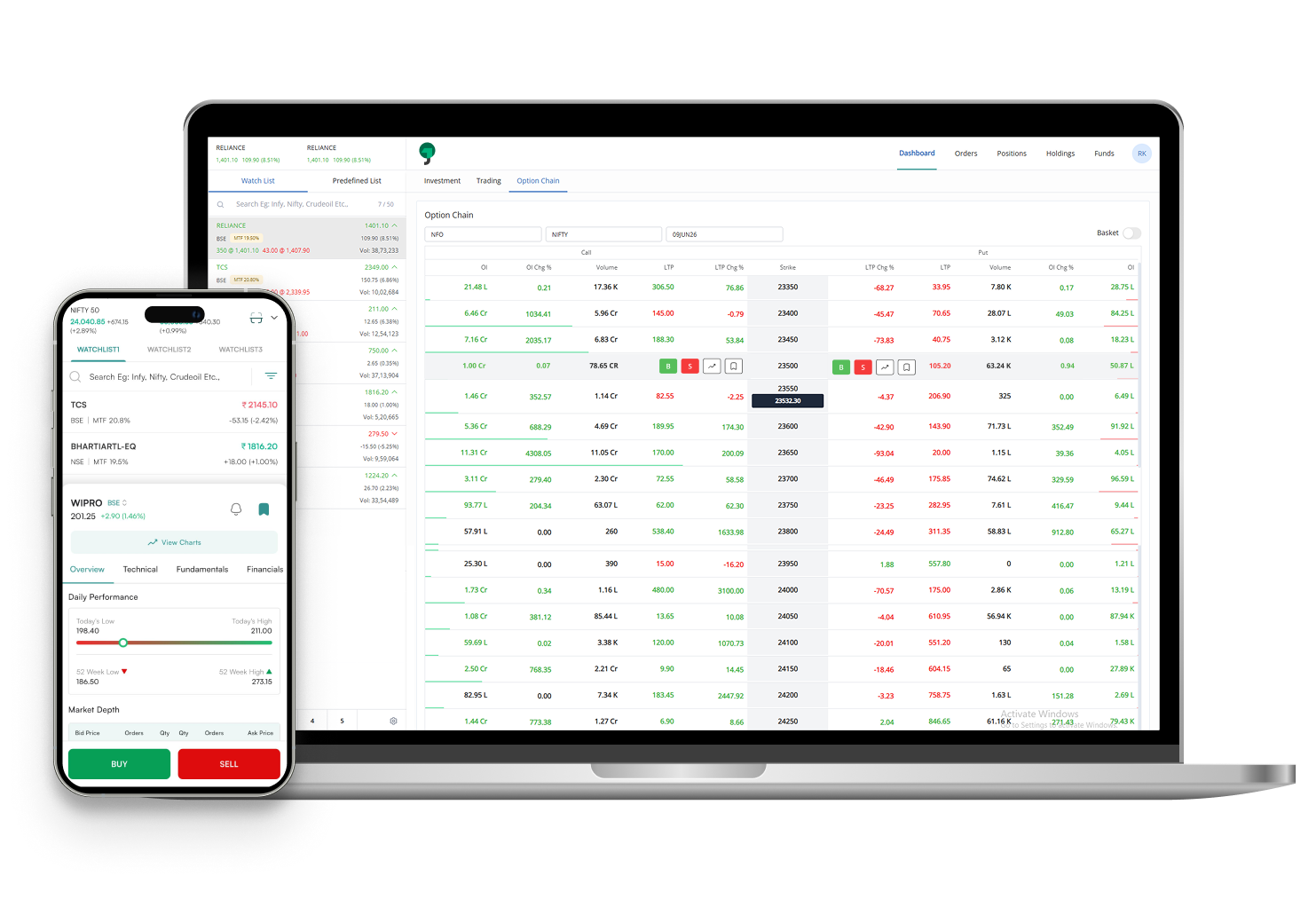
Features of Jainam

Pre-defined Watchlists
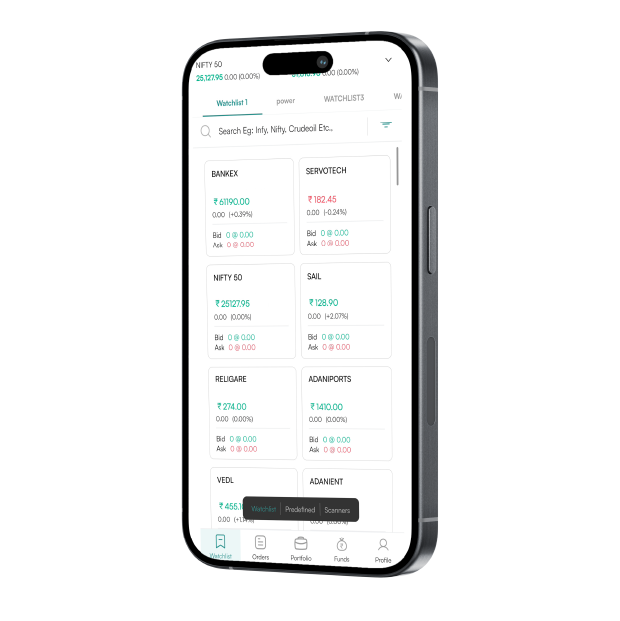
Access pre-generated indices watchlists for quick and easy tracking.

Scanners
Utilize predefined scanners within the watchlist for swift analysis and access.

Volume and Best Bid-Ask
View the contract’s liquidity from the watchlist.

Basket Orders
Place and execute up to 20 orders simultaneously and enjoy margin benefits with our basket order feature.

Execution Notification
Stay updated with real-time push notifications for executed trades and order updates.

Customizable Interface
Versatile interface that adapts to your needs, offering unparalleled customization.
Features of Jainam
- Real-time market data updates
- Customizable watchlists and alerts
- TradingView charting tools and indicators
- Basket orders and order slicing feature
- Seamless and quick order execution
- Technical research and trading calls
- Multi-device synchronization
There's a little something for everyone
Start NowFrequently Asked Questions
How do I customize the Jainam interface?
You can customize the Jainam interface through the settings menu, allowing you to tailor the platform to your trading preferences and needs.
What is an SL Order?
An SL (Stop Loss) Order is designed to limit an investor’s loss on a position in a security. When the stock reaches the stop price, the stop order becomes a market order and is executed at the best available price.
Can I place an order before the market opening?
Yes, you can place orders before the market opens during the pre-market session using the AMO order. These orders are queued and executed once the market opens, ensuring you can secure your position early.
What is the difference between MIS, CNC, and NRML Order types?
MIS (Margin Intraday Square-off) is used for intraday trading and requires the position to be squared off before the market closes.
CNC (Cash and Carry) is for delivery-based trading, where you hold the stock for more than one day.
NRML (Normal) is for positional trading in futures and options, allowing you to carry forward the position to the next trading day.
How do I set the default preferences for my order types?
To set default preferences for your order types, navigate to your trading platform settings, select the order preferences section, and choose your desired default order type (e.g., MIS or CNC/NRML). Save your settings to apply them automatically to future orders.
How do I convert my orders from intraday (MIS) to carry forward (CNC/NRML)?
To convert an intraday (MIS) order to a carry forward (CNC/NRML) order, go to your open positions, select the Daywise option and choose order you wish to convert. Select the “Convert” option, update the new order type (CNC/NRML) and confirm the conversion to carry forward the position.
What are basket orders?
Basket orders allow you to execute multiple orders at once, often up to 20, with a single click. This feature helps in managing a group of orders simultaneously, providing efficiency and convenience in trading multiple securities.
How is my account information protected?
To protect account information we provide Robust security measures including encryption, two-factor authentication (2FA), and secure login to protect user data and transactions.
What should I do if I experience technical issues with the platform?
If you face any technical issues then you can contact customer support.
Explore our feature-rich web trading platform
Get the link to download the App